
WhatsApp Business API integration
The WhatsApp Business API is Meta's official way for a company to send and receive WhatsApp messages from its own systems instead of from a phone. With it, your website, store, CRM or booking system sends order confirmations and reminders automatically, several team members answer the same number, and every conversation is kept with the customer's record.
GTech sets up the API on your business number, builds the message flows your customers actually need, and connects them to the systems you already use.
Who it's for
- Stores and clinics that confirm orders and bookings by hand on WhatsApp
- Teams sharing one WhatsApp number between several people
- Companies that want WhatsApp leads to land in their CRM automatically
- Businesses sending the same answers to the same questions every day
Problems it solves
- Customers wait for a reply to questions that have a standard answer
- Order and booking updates depend on someone remembering to send them
- One phone holds every conversation, and nobody else can see them
- Leads from WhatsApp never reach the sales system
What the integration can include
- Setup of the official API on your business number, with your business name and logo
- Approved message templates for confirmations, reminders and updates
- Automatic replies and a menu for the most common questions
- Notifications sent from your website, store, CRM or booking system
- A shared inbox, so several team members can answer the same number
- Hand-over from automatic replies to a person when needed
- Every conversation saved with the customer's record
How we set it up
Map the messages
We list what your customers ask, what you need to tell them, and when.
Connect the number
We set up the API with Meta on your business number and get your message templates approved.
Build the flows
Automatic replies, notifications and the hand-over to your team are built and tested.
Connect your systems
Your website, store or CRM sends and receives messages through the API.
WhatsApp Business API questions
What is the difference between the WhatsApp Business app and the API?
The app runs on one phone and suits a small business answering by hand. The API connects your WhatsApp number to your own systems, so messages can be sent automatically and answered by several people, with every conversation saved.
Can I keep my current number?
Yes, in most cases. A number used on the API can't be used in the WhatsApp app at the same time, so it is moved to the API during setup.
Does WhatsApp charge for messages?
Meta charges for some messages a business starts with a template, such as marketing messages, according to its own price list, while replies inside the customer service window are free. We explain the expected cost of your messages before you start.
Can the replies be written by AI?
Yes. An AI assistant can answer from your own information and hand the conversation to a person when it can't help. See our AI chatbot service.
Related projects

Further reading
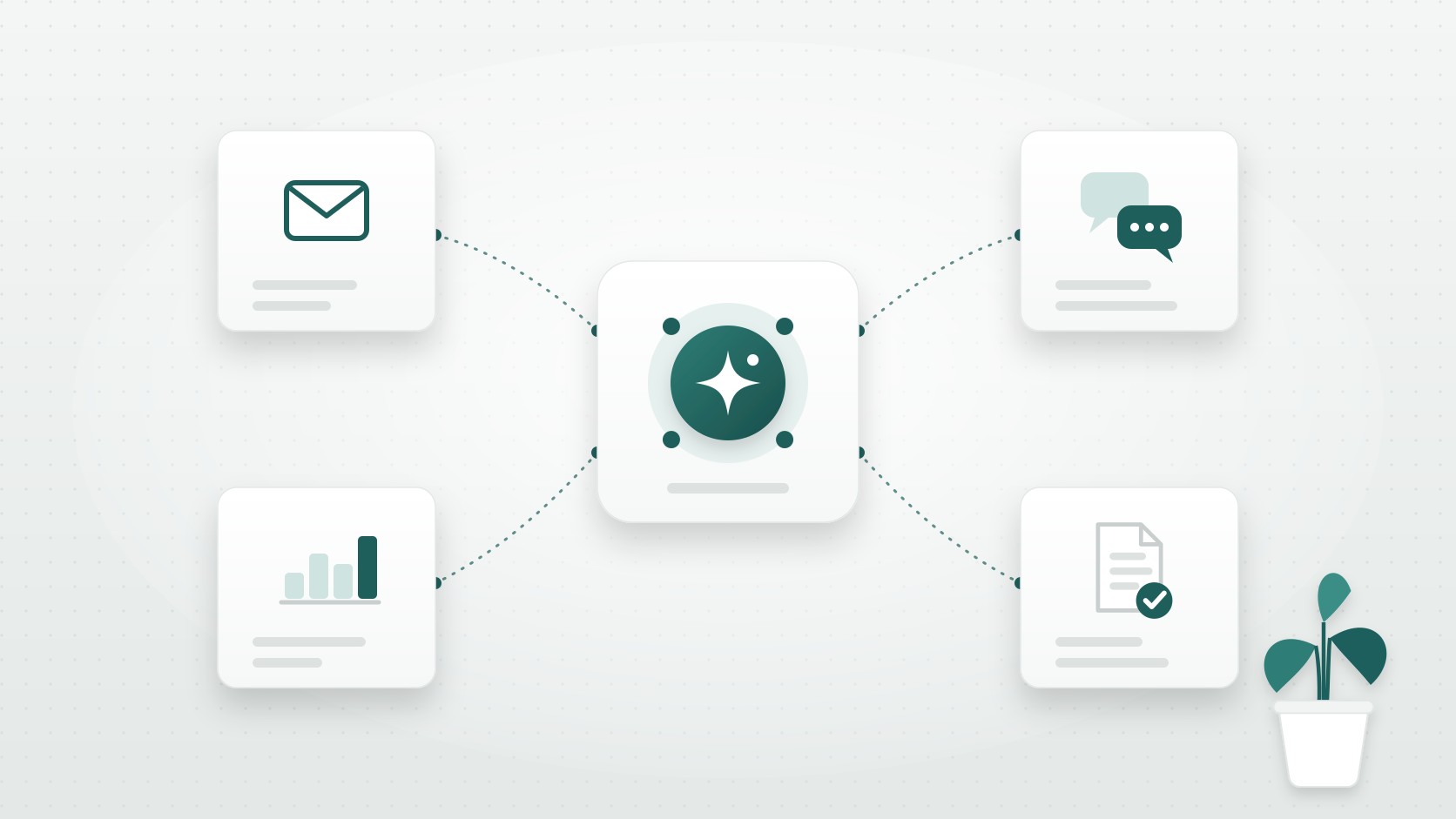
AI Agents for Business: Where They Pay Off and How to Start
AI agents can follow up leads, answer customers and build reports on their own, yet most stall as pilots. Where they pay off for a growing business, and how to start.
Answering the same WhatsApp messages every day?
Tell us what your customers ask and what you send them. We'll suggest the flows that save your team the most time.
Other services
- Custom ERP developmentOne system for inventory, sales, purchasing and accounting, built around the way your company works.
- CRM developmentCustomers, leads, deals and follow-ups in one place, built around the way your team sells.
- Custom software developmentWeb applications, dashboards, internal tools and mobile apps built around your workflow.
- Business analysisMap how your business really works and turn it into clear, prioritized requirements before anything is built.
- Website developmentFast company websites, landing pages, portfolios and online stores that you can edit yourself.
- Shopify developmentShopify store setup, professional themes and custom themes built to sell.
- AI chatbot developmentAn AI assistant that answers your customers from your own information on your website, WhatsApp or Telegram, and collects their details.
- Telegram bot developmentTelegram bots for orders, alerts, customer service and team automation, with AI and connections to your systems.